Ligarion Connect · Educational group management

Keep your school groups organized in one place.

Bring conversations, schedules, documents, attendance, and trip plans together - whether you manage one program or an entire district.

One workspace for the people, plans, and records connected to each group.

Riverside Arts Academy AM
Announcements

Spring Production

24 members
Today · 2:15 PM

Rehearsal moves to 4:00 PM

Please review the updated call time and bring your marked script.

18 acknowledged
THU
17
Full cast rehearsal4:00-6:30 PM · Auditorium

Example workspace with fictional information

How it works

Set up the space your group actually needs.

Create a group, choose its tools, and invite the right people. Ligarion keeps each update and record attached to that group.

  1. 1
    Create the group

    Start with a class, club, team, activity, program, event, or trip.

  2. 2
    Choose the tools

    Turn on chat, announcements, schedules, files, attendance, or trip features as needed.

  3. 3
    Coordinate in one place

    Give staff, students, and guardians the information appropriate to their role.

The everyday benefit

Less searching. Fewer disconnected tools.

Keep people informed

Put conversations, announcements, and acknowledgements where the group already works.

Keep plans organized

Bring schedules, documents, forms, and trip details together instead of spreading them across inboxes.

Keep track of participation

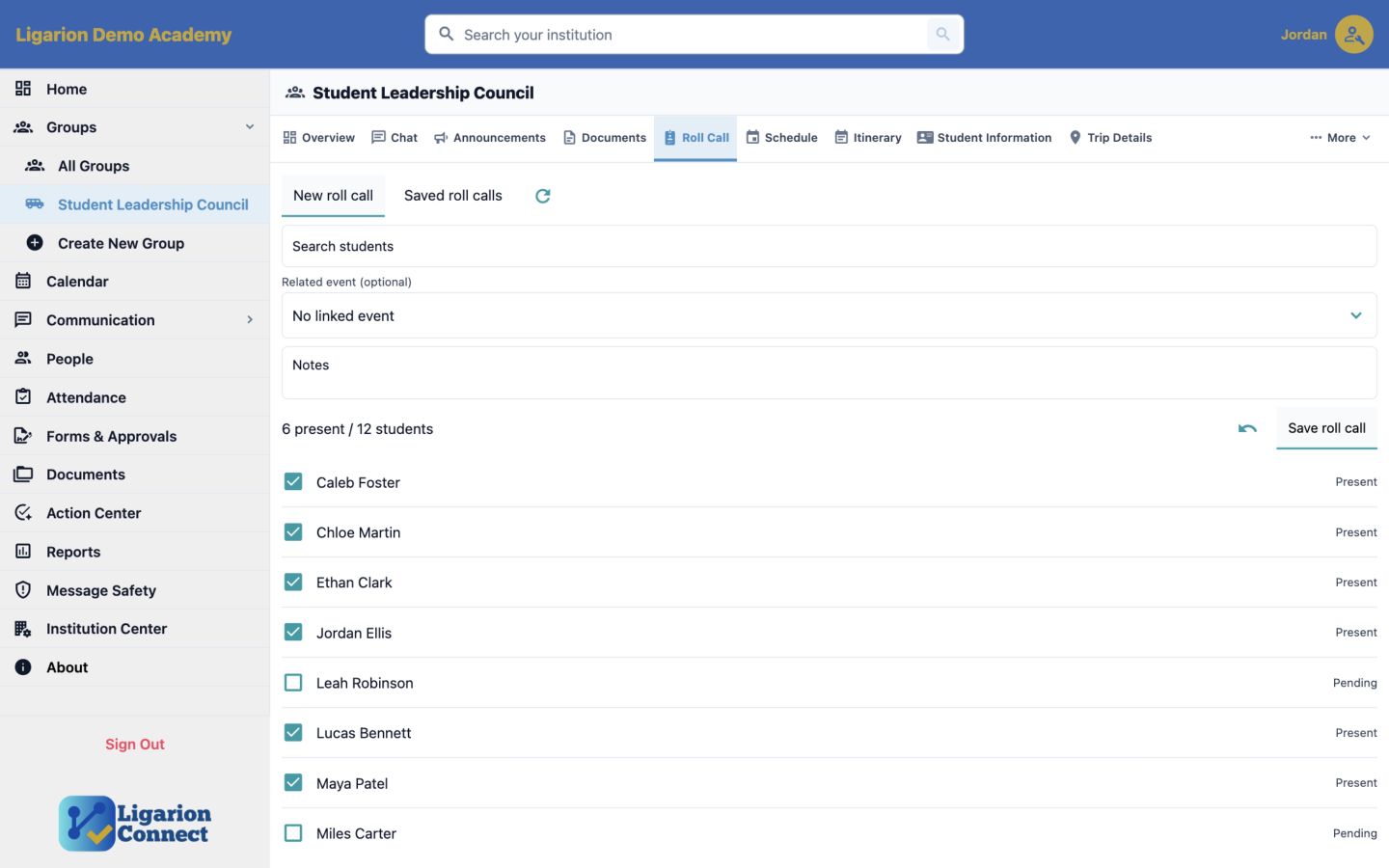
Use roll call and check-ins for the moments when staff need a clear record of who is present.

One practical example

A theatre program can run its whole week from one group.

Staff post the rehearsal change once. Students see the new schedule. Guardians receive the relevant announcement. The production team keeps call sheets and forms beside the same plan.

Explore all group workflows
  1. Mon
    Post the weekly rehearsal scheduleSchedule
  2. Wed
    Share an updated call sheetDocuments
  3. Thu
    Record full-cast attendanceRoll Call
  4. Fri
    Confirm the competition itineraryTrip Details

Appropriate access

Everyone gets the experience that fits their role.

People see the information appropriate to their role, group membership, and institution settings.

StaffOrganize the group and manage its day-to-day work.

StudentsFind their plans, updates, files, and assigned actions.

GuardiansStay informed without entering staff-only workspaces.

AdministratorsManage people, groups, access, and authorized records.

Your next step

See which plan fits the people you serve.

All core tools are included. Plans are based on student capacity and whether you manage a program, school, or district.

Current evaluation status: Adult testers must use fictional student information. Real-student use is not yet approved.